"Using a personal messenger for work is inconvenient..."
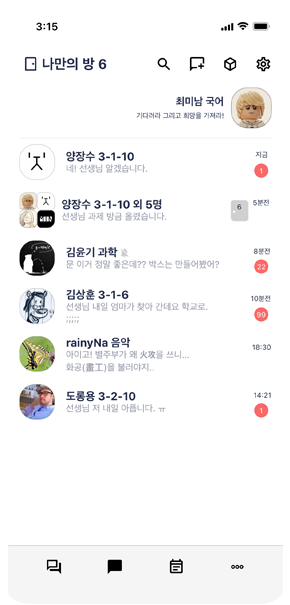
Official school conversations in 'Our Room', casual chats with friends in 'My Room'!
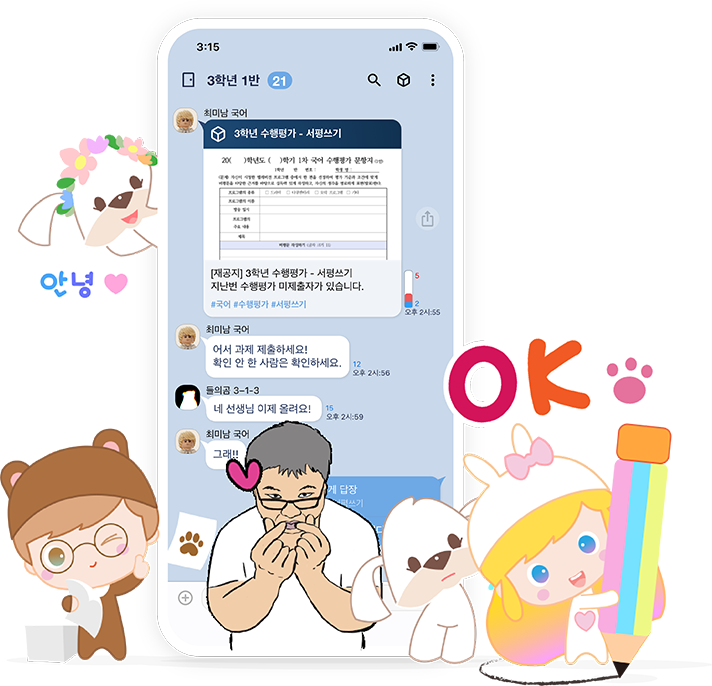
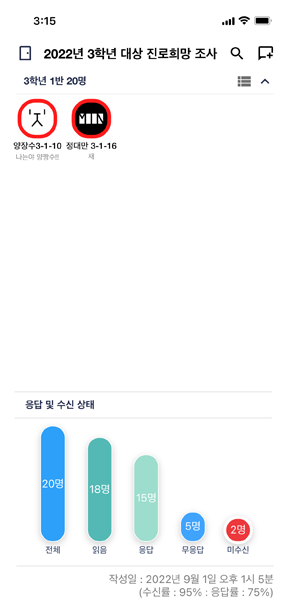
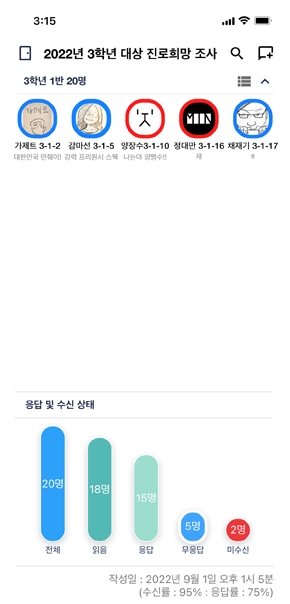
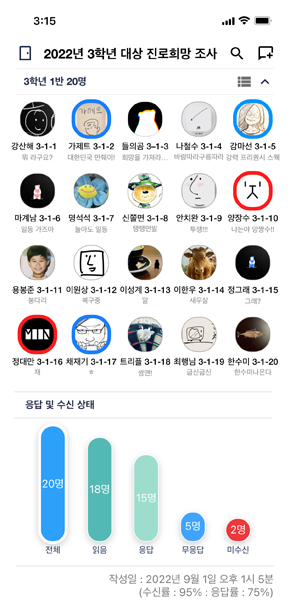
Message Read Status
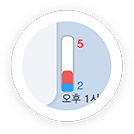
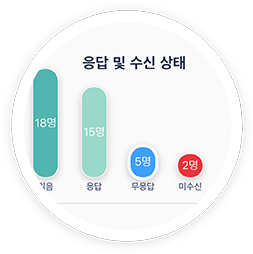
My sent message — who has read it?
"Who read my message? Oh, someone hasn't checked it yet~"
Easily check unread/unresponded messages and encourage replies! Moonity's patented technology
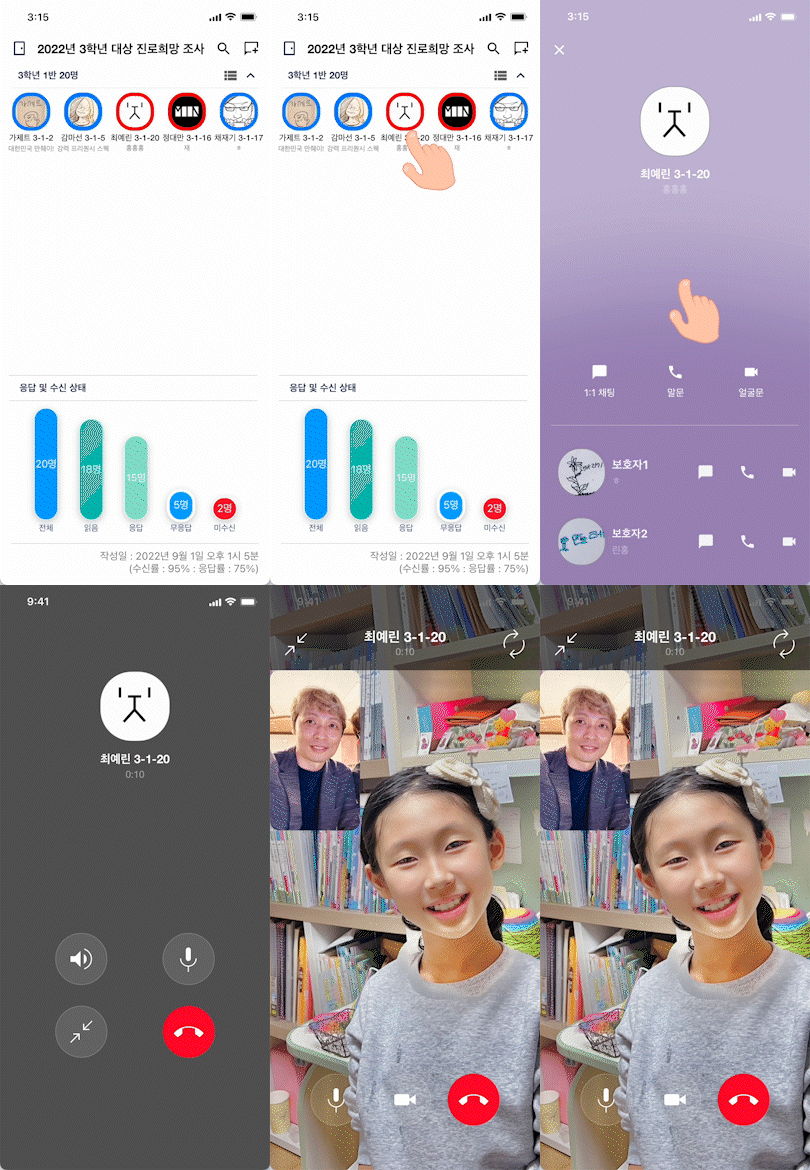
Free calls without saving phone numbers
1:1 chat as well as voice and video calls connected directly
A convenient way to connect with parents directly from student profiles
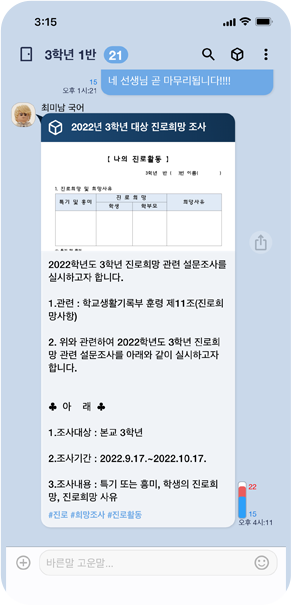
Box Messages
Important messages? Wrap them in a Box!
- Teacher, please notify class about supplies. - A student's school banking balance... please contact parents. - Could you send a survey? I'm not in the group chat...
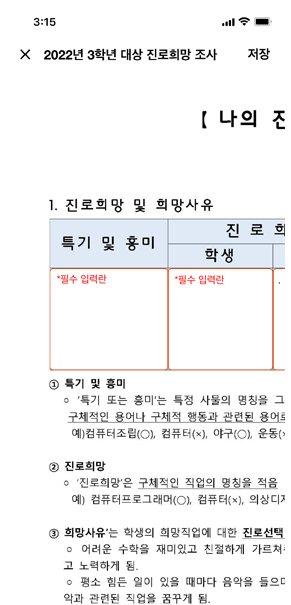
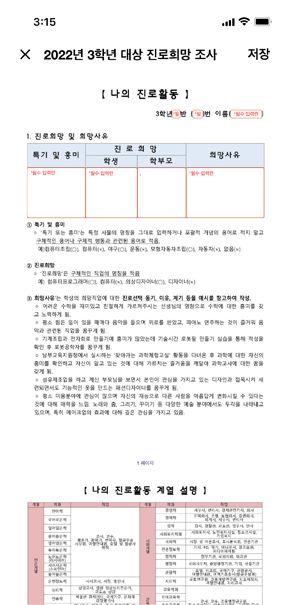
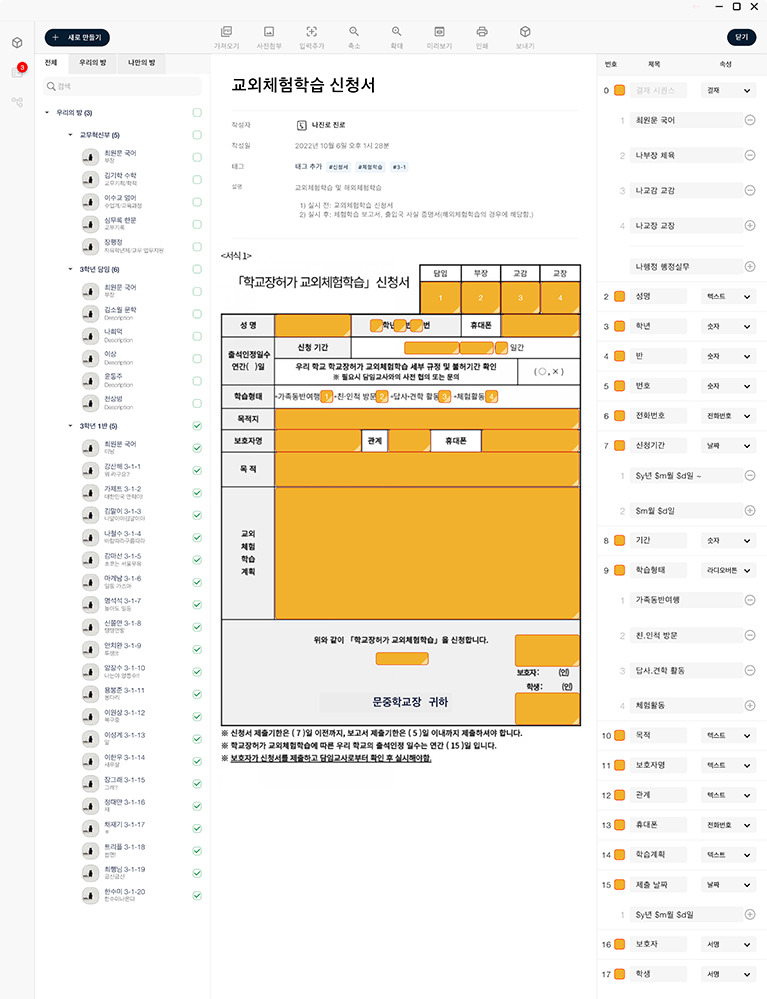
Field trip applications, surveys, and more — handle all forms easily! See statistics at a glance! Use your existing document formats as-is!
Box Messages
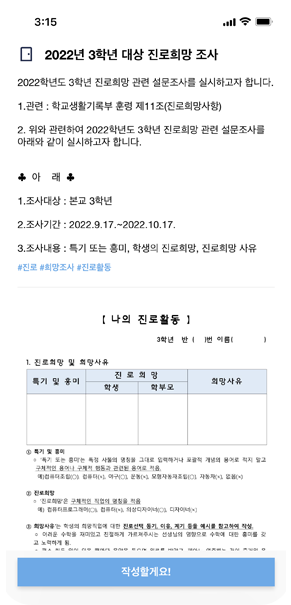
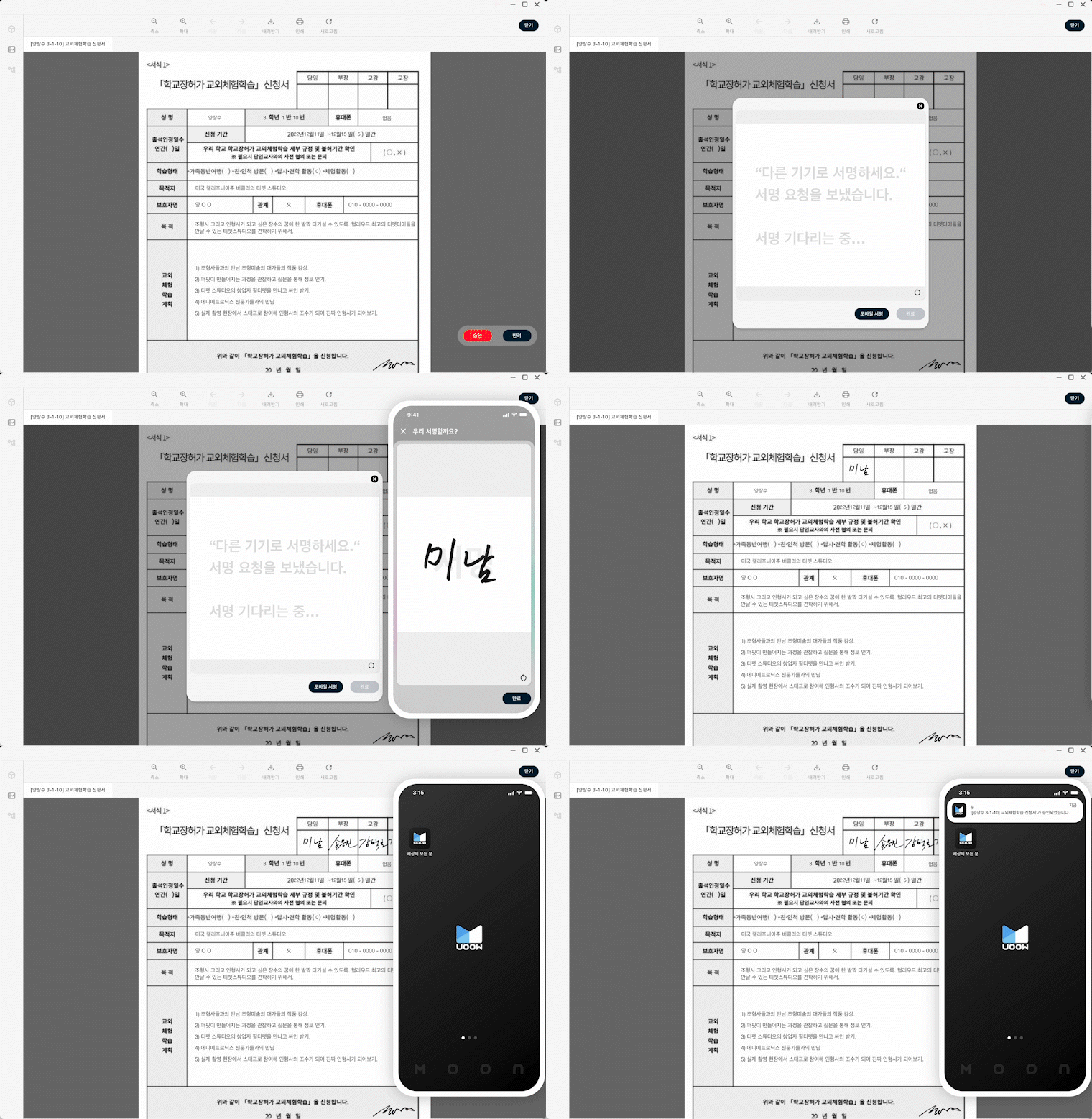
Field trip applications and documents that need approval — send them as Box Messages!
Get notified when approval requests arrive! Speed up your workflow.
Box Messages
Easy on PC, approve anytime, anywhere!
Teacher~ I sent a field trip application as a Box! Sure, I'll open it from the Box!
Handle all application forms easily. Teachers can approve received Box Messages with direct signature (mobile signature).
Box Messages
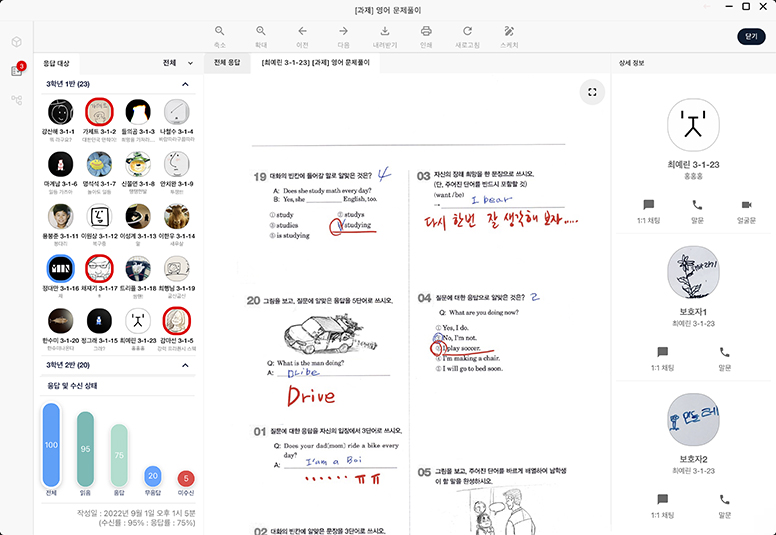
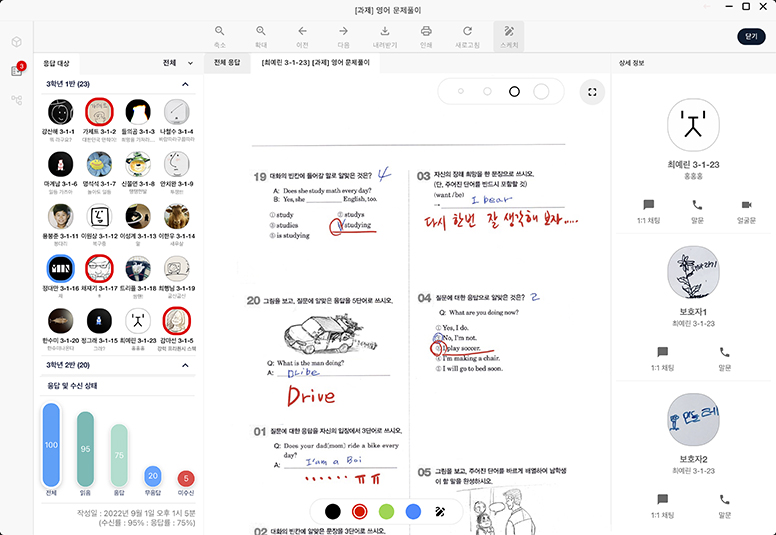
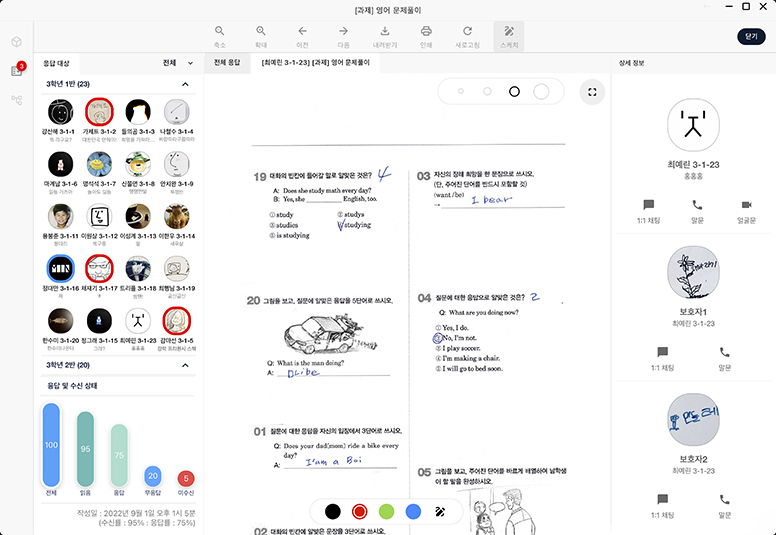
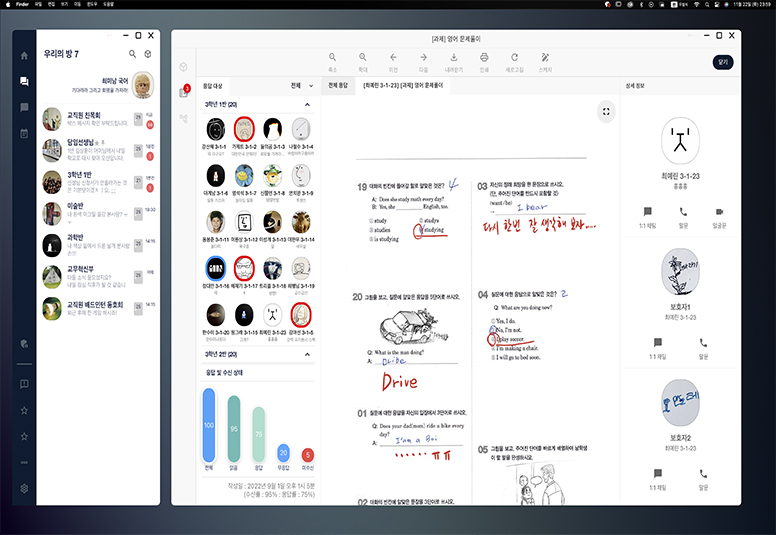
Feedback & Teaching!
Teacher, I finished all the problems~ OK, let's review this part again!
Assignments and reports — annotate directly on submitted documents for richer, more engaging classes!
Voice calls and even video calls! Connect directly from your work PC!
Box Messages
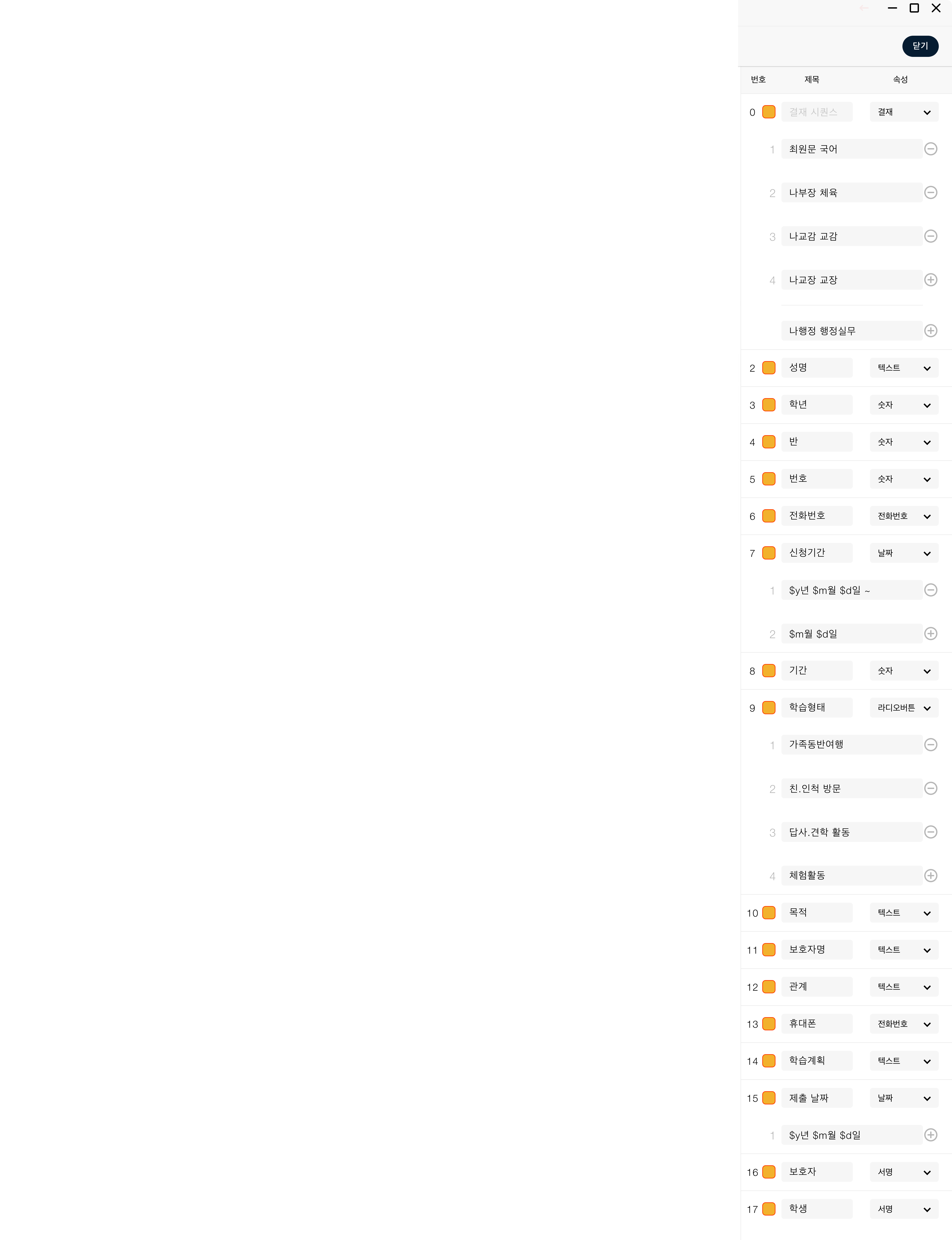
Creating Boxes is easy too
"Digitize every document in the world"
Use your existing formats — quick and easy! From your phone or PC, anywhere!
I've submitted the approval. Please review.
Confirmed. I'll approve it right away.
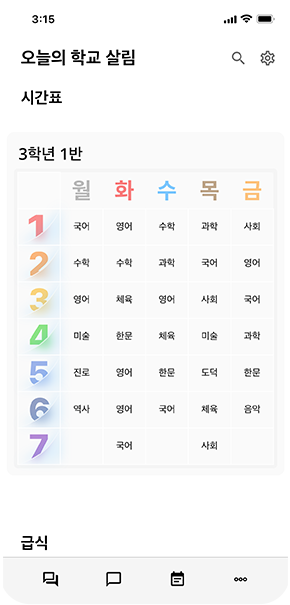
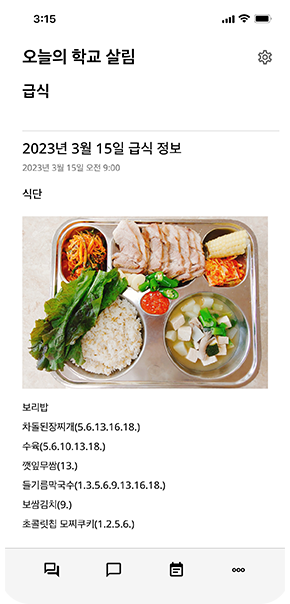
Today's School Life
What's happening at school today?
"Check timetables, lunch menus, and school newsletters easily"
Today I have my favorite class! What's for lunch? Here's what I need to bring tomorrow!